
Understand the challenge.
Plan your integration.

A DataDome CAPTCHA solver automates supported verification challenges. Start with a target URL to confirm compatibility with your workflow.

For developers and teams evaluating authorized data access, browser testing and monitoring. Understand the challenge first, then choose an API or browser integration.

URL testing starts with a compatibility review. Support depends on the target and challenge type.

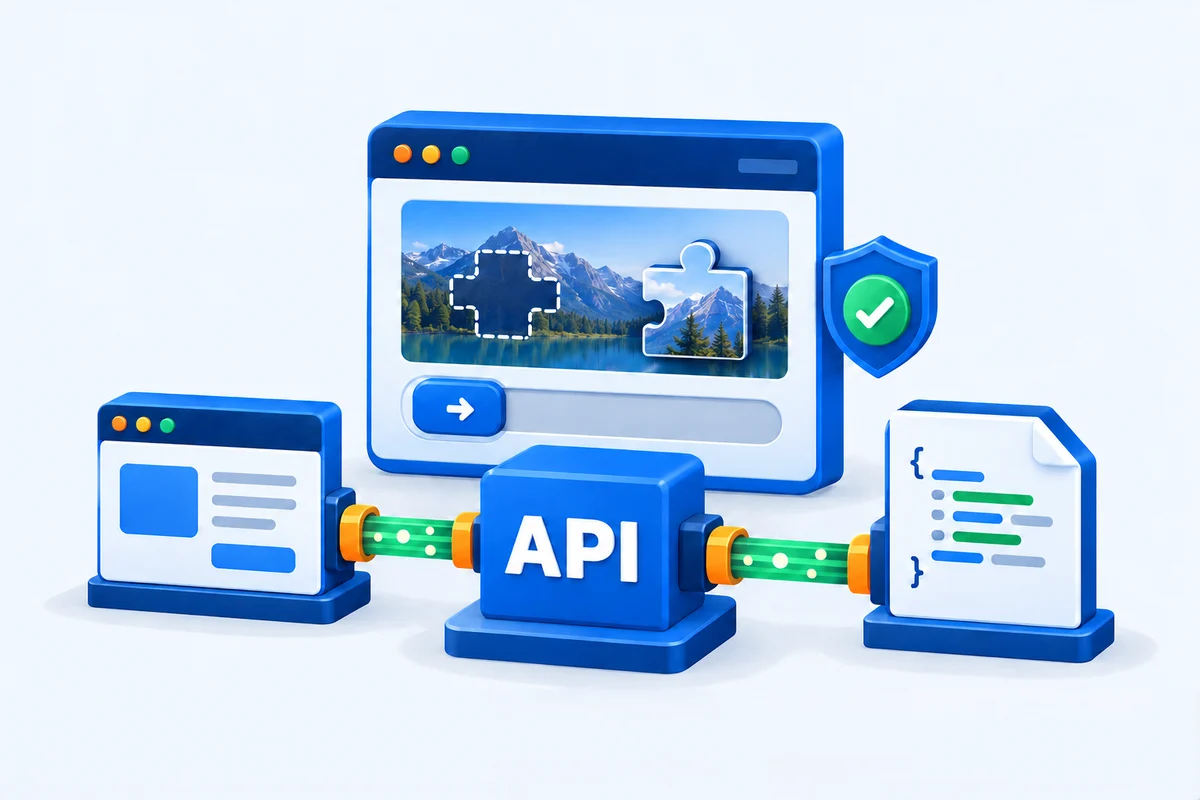
DataDome slider CAPTCHA connected to an API and structured response
cloudflare unblock

What is a DataDome CAPTCHA solver?

Some websites ask visitors to complete a verification before continuing. A solver can help automate supported challenges, but a CAPTCHA, a device check and a blocked request are not the same thing.

Slider CAPTCHA

A visible puzzle or slider asks the visitor to complete a verification. Confirm that the specific challenge is supported before integrating.

Device Check

A separate device verification mechanism evaluates the browser environment. It is not simply another slider puzzle.

Blocked request

A block page or HTTP error needs diagnosis. A CAPTCHA solver does not automatically resolve access restrictions or site policy decisions.

How a DataDome solver API fits your workflow

Keep access handling separate from your application logic, and validate what comes back before parsing it.

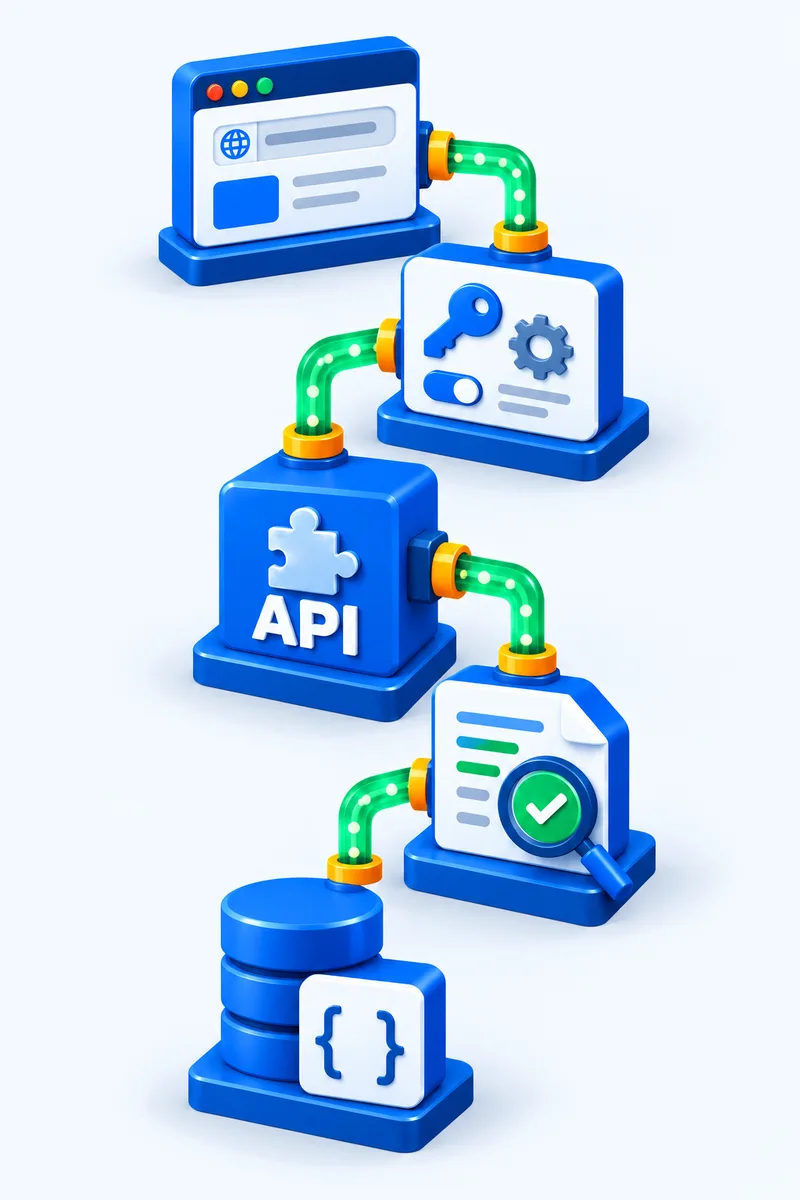
1.Your app

Start with a target URL and an authorized use case.

2.Request context

Use documented authentication and session settings.

3.Challenge handling

Use the integration confirmed for the target.

4.Validate response

Check status, content type and expected content.

5.Your parser

Process valid content; log and diagnose failures.
An HTTP 200 response can still contain a challenge page. Verify the content, not just the status code.

Application request, context settings, API processing, response validation and structured data parsing

DataDome API integration: Python, Node.js and Playwright

Choose Python, Node.js or a supported Playwright workflow. Confirm target compatibility and connection settings before implementation.

Python integration

Use the confirmed endpoint and authentication settings. Set a timeout, validate the returned content and keep API credentials on the server.

Node.js integration

Use the confirmed endpoint and authentication settings. Set a timeout, validate the returned content and keep API credentials on the server.

Playwright integration

Confirm the supported browser or proxy mode. Keep the approved IP, cookies and browser context consistent; do not reuse results across unrelated sessions.

Shared request workflow

1. Request input

Confirm target compatibility, then load the approved URL, endpoint and authentication settings.

2. API request

Send the request with a timeout and consistent session settings. Inspect the status and content type; keep credentials on the server.

3. Validated output

Return validated content or a diagnostic error. Log the result and use bounded retries; HTTP 200 alone is not proof of valid content.

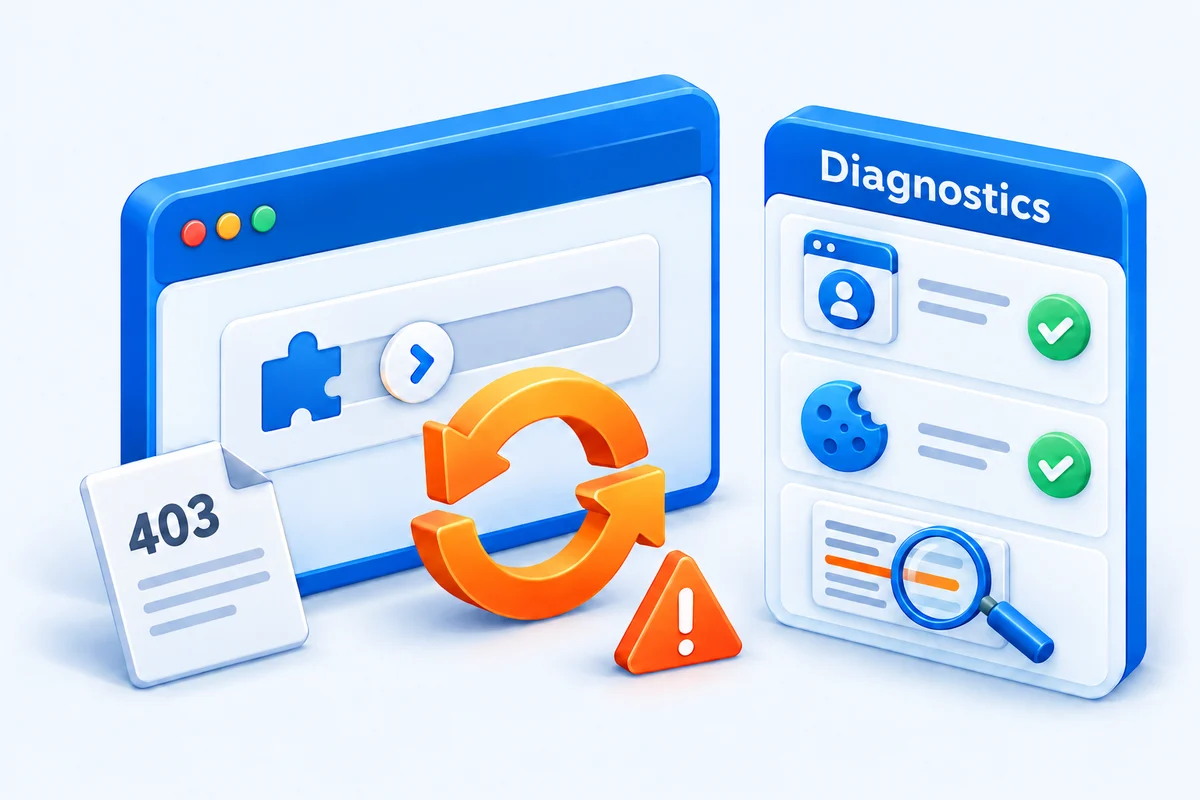
DataDome CAPTCHA loop, 403 response and session diagnostics

Diagnose a DataDome CAPTCHA loop

Repeated verification needs investigation, not unlimited retries. Preserve the request context and inspect the actual response before trying again.

Verification failure checks
SymptomCheckNext step
Repeated challengeSession consistencyReview cookies and request context
Verification failedResponse and logsDiagnose before retrying
403 or block pageAccess policyStop and review access permission

Record the timestamp, target URL and request ID where available. Remove credentials and personal data before sharing logs.

Common authorized workflows

Confirm access permission and target compatibility for your use case.

Data collection

Collect permitted product or research data while respecting access restrictions and the target website's terms.

Browser QA

Test how your application responds to verification steps in an environment you control or are authorized to test.

Availability monitoring

Monitor approved pages and identify whether a response contains expected content, an error or a challenge.

DataDome solver pricing

Confirm supported targets and billing before choosing a plan. Ask how your request volume, session needs and retries affect the quote.

Published general plans are a starting point, not confirmation that every DataDome challenge is included.

  • Request volume

    Expected requests per day and peak concurrency.

  • Challenge type

    The target URL and verification you actually encounter.

  • Session requirements

    Region, cookies and browser integration needs.

  • Retry and billing policy

    How failures and repeated requests are charged.

FAQDataDome questions, answered

What does a DataDome CAPTCHA solver do?

A solver automates supported CAPTCHA challenges within an access workflow. It is not a guarantee that every protected page can be accessed. Confirm the target and challenge type before choosing an integration.

Do not assume universal support. Slider CAPTCHA, Device Check and block pages represent different situations. Share your target URL and observed response with support to confirm compatibility.

For Python or Node.js, confirm the documented HTTP API and authentication method first. For DataDome Playwright integration, confirm the supported browser or proxy mode and keep the approved session consistent. The request workflow on this page is conceptual, not a working SDK or a DataDome endpoint.

Review the response, session changes, cookies, User-Agent and access policy. A 403 status alone does not identify the cause. Record the request ID if available, use bounded retries, and stop when the target denies access.

Check the current plans and confirm target compatibility, request volume, concurrency and how failed requests or retries are billed. This introduction does not quote a separate DataDome price or promise that all challenges are included.

No. Scrapingbypass is an independent service and is not affiliated with or endorsed by DataDome. Only use integrations for websites and workflows you are authorized to access.

Inspect the response status, content type and body before retrying. Check the approved proxy IP, cookies and session context. Log the request ID when available, use bounded retries and return a diagnostic if the target is unsupported or access is denied. See the DataDome troubleshooting workflow.

API infrastructure illustration accompanying frequently asked questions

Check your target before integration

Share your URL, challenge type and workflow with our team.

Test a URL API Docs Talk to Us

Independent service. Not affiliated with or endorsed by DataDome.

Trial Offer
+ 200 API Credits
+ Rotating Proxies
Claim Now ›